
NZEUS Deck
Your handheld Linux lab.
A console reworked for coding, electronics and everyday tools. Navigate with the D-pad and buttons; type with the on-screen keyboard.
The NZEUS Deck software is free and open source. 40 KD gets you a ready console with it installed and tested.
40 KD
Confirm the configuration, accessories and delivery before payment.
Featured on FabScene, Japan.
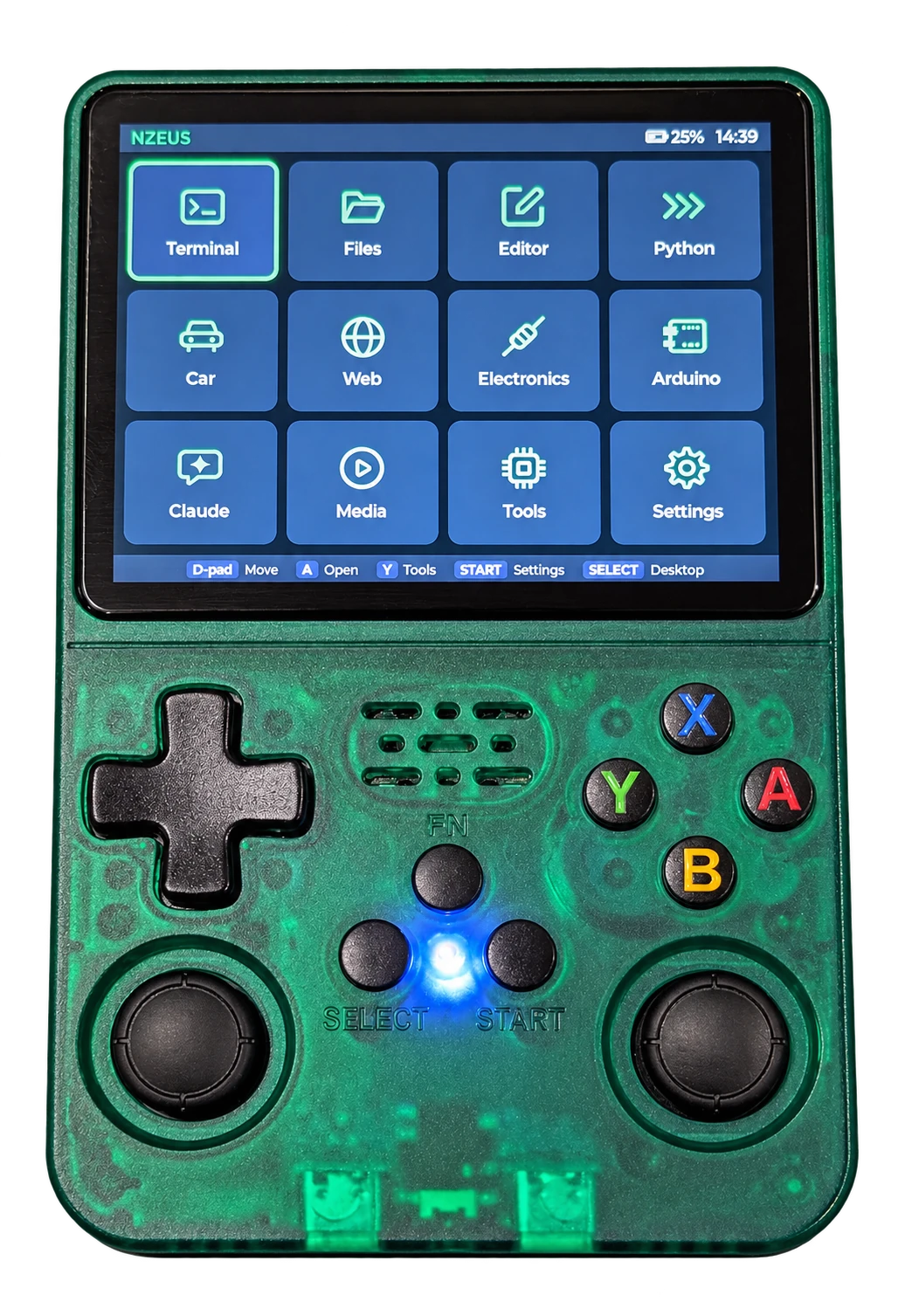
A Linux workspace.
In your hands.
- Code
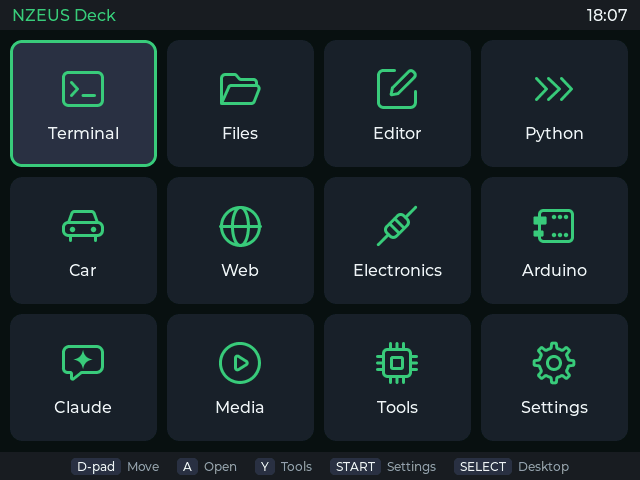
- Terminal, text editor and Python.
- Use
- Files, PDFs with zoom and rotation, and media tools.
- Explore
- Electronics and Arduino tools, plus supported OBD diagnostics.
Before you buy.
What needs an accessory?
Wi-Fi requires a compatible USB dongle. Car diagnostics require a compatible adapter, such as OBDLink EX, and a supported vehicle. Accessories and available readings vary by setup.
Do WhatsApp and Claude work on their own?
Those connections use a companion PC bridge. Your PC needs to stay on and reachable; these are not standalone services on the Deck.
What runs on the device?
The core terminal, editor, Python, files and PDF tools run on the device. Software and your files live on the SD card.
Does it have HDMI or universal car coding?
HDMI output and universal car-feature coding are not supported product features.
Why 40 KD if the software is free?
You pay for the console, setup and testing: it arrives ready to use with NZEUS Deck installed and checked. If you already own a compatible console, the software costs nothing.
Can I use my own console?
Yes, if it is the V2.7 clone with the HiChip E3100 chip: download NZEUS Deck free from GitHub and follow the guide. It is not for the Rockchip R36S. Similar-looking consoles can have different hardware, so send the exact model and board version if you are unsure.
Want a Deck?
Tell me how you want to use it. I’ll confirm the setup and availability.